
Plan your day. Focus on the present.
Inspired by the philosophy and practice of Japanese Zen, ZENnoMA brings daily planning, focus and meditation together.
Free to begin. The iPhone app is coming soon.
Why ZENnoMA
Bring your attentionto everyday life.One moment at a time.
Some apps turn focus into a game. Others block social media. With ZENnoMA, we hope to be part of your everyday life and support you in living well.
Breathe, focus, and begin again.
Breathe
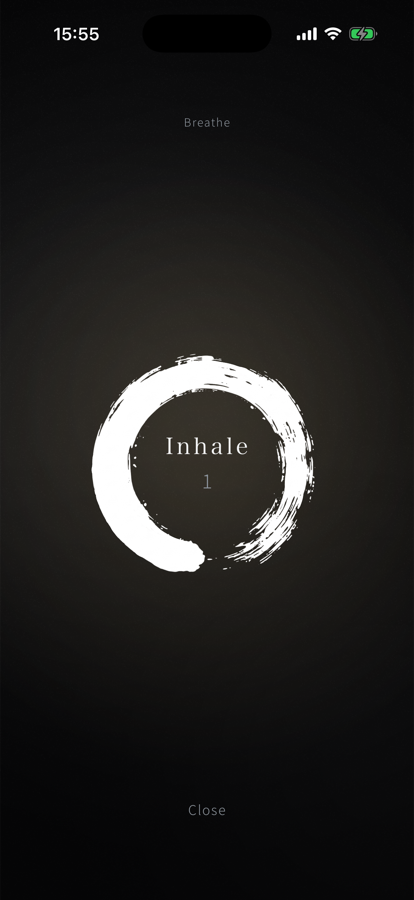
Breathe in slowly, then breathe out even more slowly. Repeat six times. A longer exhale helps your body settle. The circle is drawn in time with your breathing.
Focus
Give one chosen task a set amount of focused time. Instead of counting down, the timer counts up, reflecting the value of building your progress little by little.
Repeat
When you finish, take a pause, then begin again with breathing. The results of your focused effort quietly build on one another.
Plan your day,
then put it into practice.
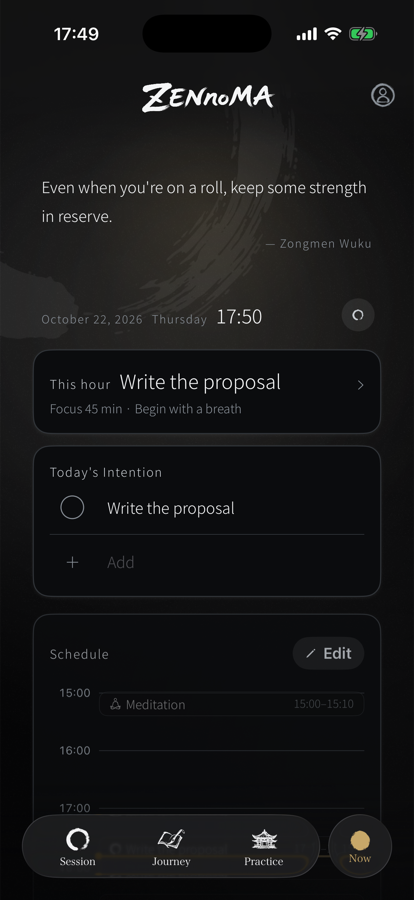
Bring focus, meditation and other time blocks together in one schedule, so you can always see how you want to spend your day. ZENnoMA supports you in putting your ideal day into practice.
Save your regular schedules as templates. The app and web stay in sync, so you can see the same plan in both.
Make time
to sit quietly.
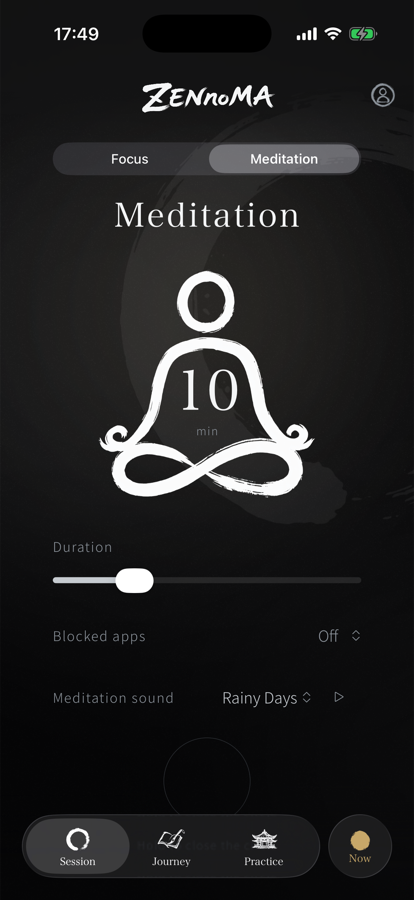
Sitting quietly helps bring your body, breath and mind into balance. Valuing the here and now through meditation can also support your ability to focus.
When you're distracted
or unsettled, breathe.
Too much time scrolling. Anger about to spill out. A sense of unease. It happens to everyone. Start breathing straight away from the app, a widget or your Lock Screen.
Gently close
what pulls you away.
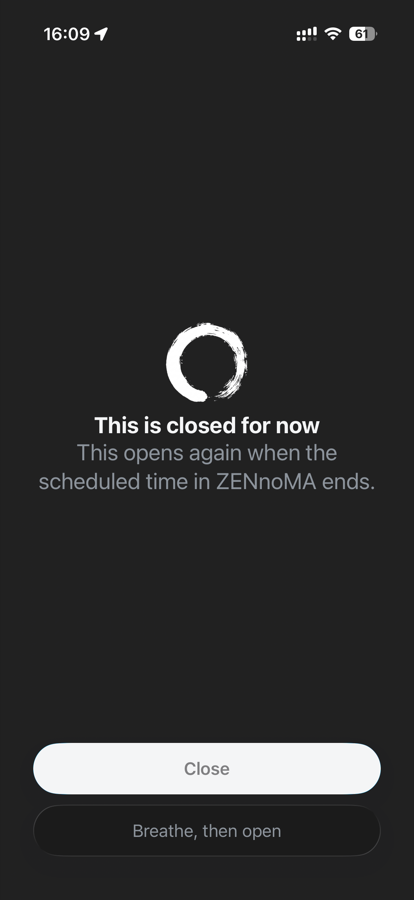
On iPhone, you can keep selected apps closed during focus, meditation and scheduled time blocks. On the web, you can also block websites you specify. When you really need one, take a breathing pause, then open it for just five minutes.
Website blocking requires the Chrome or Edge extension. Breathing, then opening for five minutes, works on both iPhone and the web.
Plans
On the web, the 25-minute focus that begins with a breath is free. The iPhone app and everything else come with a subscription.
| Feature | FreeWeb | SubscriptionComing soon |
|---|---|---|
| Focus that begins with a breath | 25 minutes | Choose your duration |
| Meditation | — | Choose your duration |
| A breath when you're distracted | — | Included |
| Background sounds | Default sound | Choose your sound |
| Schedules & templates | — | Included |
| Tasks & custom routines | — | Included |
| Focus & meditation records | Saved | Saved and viewable |
| App & website blocking | — | Included* |
| iPhone app | — | Included (7-day free trial) |
| Plan & record sync | Included | Included |
The subscription will be monthly or annual. The iPhone app starts with a free trial of 7 days. Prices in your local currency and the launch date will be announced when confirmed.
*App blocking works on iPhone; website blocking uses the Chrome or Edge extension on the web. Both let you breathe, then open for five minutes.
Give your attention to what you do now.
On the web, the 25-minute focus that begins with a breath is free. The iPhone app and everything else come with a subscription, coming soon.